Change content from your phone, get an email alert when a screen loses connection and give advertisers a proof of play with photo and verification code. Runs on Android TV boxes, Fire TV, Samsung (Tizen) and LG (webOS) Smart TVs, Raspberry Pi, computers and NovaStar LED panels.

Android TV box, Tizen or webOS Smart TV, Raspberry Pi, computer or NovaStar controller. Download the app →
Video, image or a ready-made channel — we convert it to what the screen can play.
See what ran, get alerts and send proof to the advertiser.
Pick your device, download and enter the pairing code shown in the dashboard. All installers are also at painelbr.com.br/downloads.
Install from Google Play (updates itself) or download the APK in the box's browser. Then enter the pairing code from the dashboard. Reinstalling never removes the pairing.
Step by step →TB30/TB40/TB50/TB60 controllers: install via ViPlex Express and pair from your phone, without needing to see the screen. Older TB1: Android 5.1 version.
Step by step →Point the TV's URL Launcher to the web player — always up to date, no package. Or install the package via USB.
Step by step →On signage displays, set the SI Server and the TV installs and updates by itself. Or install the package via USB.
Step by step →Flash the ready-made image to the SD card (3 clicks in rpi-imager), power on and the Pi opens on the pairing screen. Works on Pi 3, 4 and 5.
Step by step →For a mini-PC connected to the TV: installs, opens full screen, starts with the system and reopens by itself.
Step by step →Fleets and resellers: automated installation on many screens — talk to us.
A USB stick, an app that reads a folder or a video over the network work for one idle screen in a corner. When the screen sells your product or its own space, "free" costs you time, mistakes and advertisers who don't renew.
| USB stick / folder / local network | PainelBR | |
|---|---|---|
| Change content remotely | ✗ | ✓ from your phone |
| Schedule by day and time | ✗ | ✓ |
| Know if a screen went offline | ✗ | ✓ email and dashboard alert |
| Prove the ad ran | ✗ | ✓ proof with code |
| Sell ad space online | ✗ | ✓ sales page |
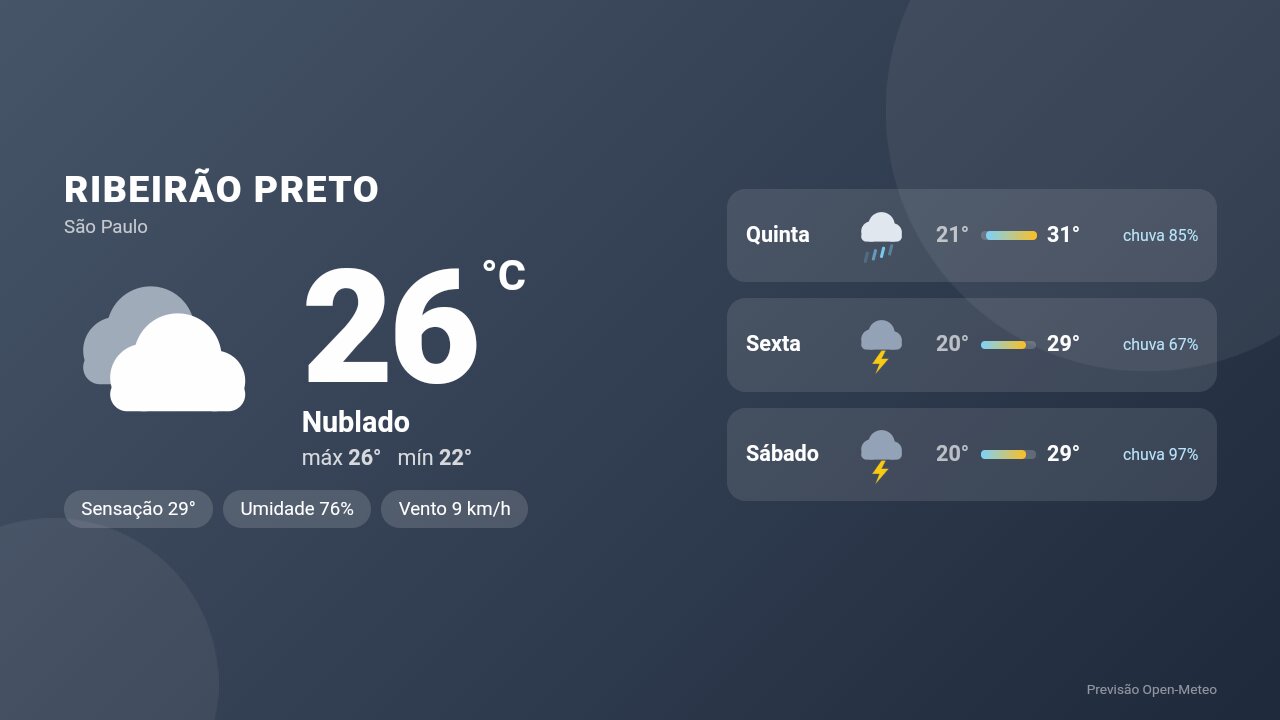
| Self-updating content | ✗ | ✓ news, weather, lotteries |
| Many screens, same effort | ✗ | ✓ screen groups |
No card on file — not now, not later. You get 7 screen days and, to continue, buy credits when you want, by Pix or card. Nothing is charged automatically — auto top-up only exists if you turn it on.
Simulate with the base price of R$ 0.96 per screen day, for a full month (30 days). Discounted plans lower the cost.
Simulation. You set the ad price; the sales page, proof of play and report come ready-made.
No, never. You create the account without a card, get 7 screen days and, to continue, buy credits when you want by Pix or card. There are no automatic charges unless you choose to turn on auto top-up. And one screen on the local network, with queue tickets and 10-second videos, is free forever.
It works on Android TV boxes, Tizen or webOS Smart TVs, Raspberry Pi, Windows computers and NovaStar controllers. If your TV has no app, a simple TV box does the job.
The screen keeps playing what's already stored on the device. When the internet returns, it syncs by itself.
Every play is logged and signed. You generate a PDF proof with a photo of the screen and a code the advertiser verifies.
Yes. There's no lock-in: you use the credits you bought and stop whenever you want.
Yes. Group your screens and send the same content to all at once, or different content per store. Give your team access with per-person permissions: managers handle their store, headquarters sees them all.
The platform was built following Brazil's LGPD data protection law from day one: audiences are counted without storing anyone's image.
PainelBR was born from actually running indoor media networks and LED panels in Brazil. We know the day-to-day of keeping screens in the field: power cuts, capped 4G data, advertisers asking for proof of play.
That's why the platform is resilient by design: content stored on the device that stays on air without internet, alerts when a screen loses connection, and reports advertisers can verify without taking our word for it.
We serve everyone from a shop with a single TV to networks with dozens of panels, with the same care.
Tell us briefly about your setup — we reply during business hours (Brazil). Or write to painelbr@painelbr.com.br.
Your first screen is on air in 10 minutes. We never ask for a card and there's no lock-in.
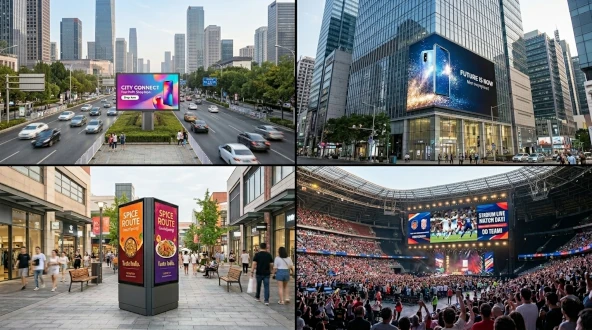
From the first counter TV to a network of LED panels on the avenue: the same features, the same dashboard.